Begin without productivity theater
Pick a duration and start. The lightweight timer keeps the core flow deliberately small so there is less to configure before doing the work.
Productivity · iPhone · iPad · Mac
FocusLab gives focused work a clear beginning and end. Choose a session length, keep the timer visible with Live Activities or widgets, add a short review when you finish, and use statistics to understand how your attention builds over time.
Inside the app
Official App Store screenshots
Why FocusLab
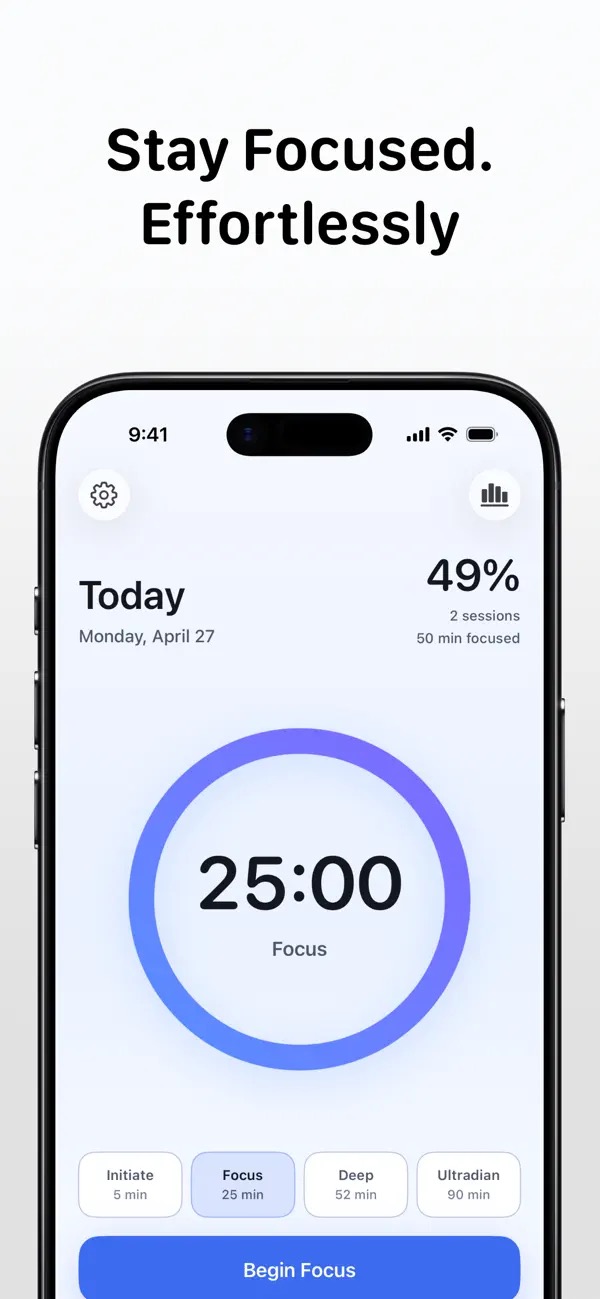
Pick a duration and start. The lightweight timer keeps the core flow deliberately small so there is less to configure before doing the work.
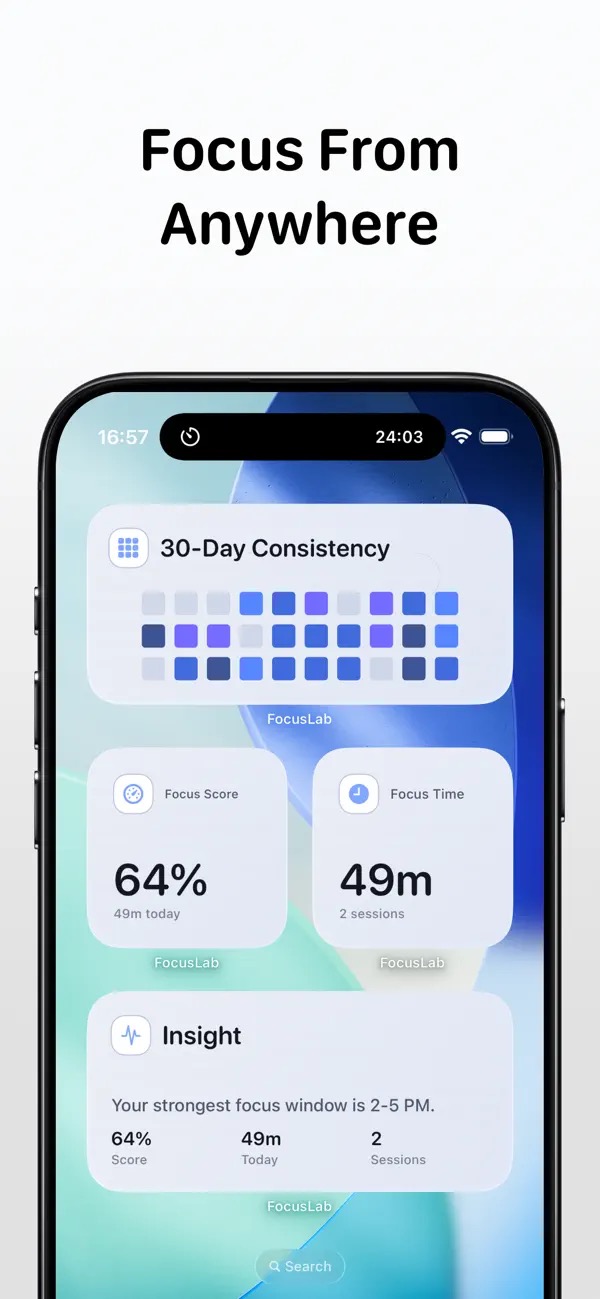
Live Activities and widgets make the remaining time glanceable while the app stays out of the way.
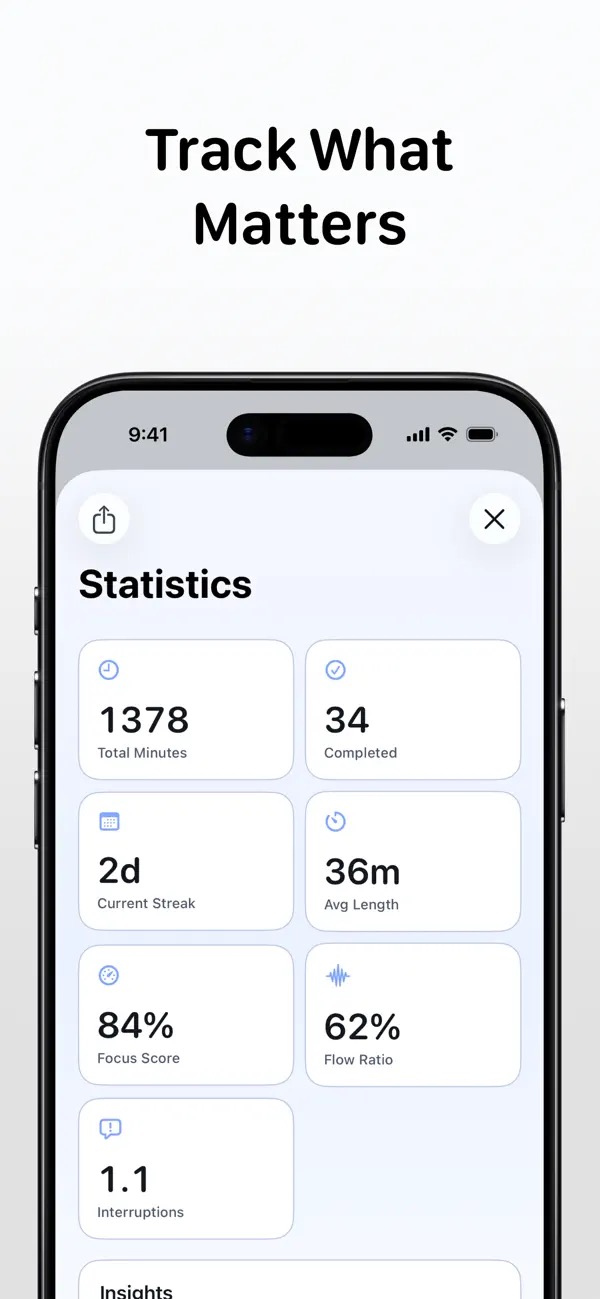
Review minutes, sessions, streaks, average length, notes, weekly charts, consistency heatmaps, and patterns by focus mode.
What you can do
Use a straightforward session timer for study, writing, creative work, and everyday concentration.
Choose Pomodoro-style, Deep, or Ultradian pacing for different kinds of attention.
Track focused minutes, completed sessions, streaks, averages, weekly charts, and consistency.
Add a brief review after each session and keep focus data local-first on your device.
Questions, answered
Yes. The App Store catalog positions FocusLab as a Pomodoro timer for deep work.
Learn more about Pomodoro timer for MacYes. Session stats are part of the app positioning.
Learn more about Pomodoro timer for MacGuides for FocusLab
Available on the App Store
A clean Pomodoro and deep-work timer with Live Activities, widgets, session notes, streaks, weekly charts, focus insights, and local-first tracking.
Keep exploring