Capture a count in one tap
Large tap areas, sound, haptics, keyboard controls, and quick actions keep counting fast whether you are tracking reps, people, stock, or scores.
Productivity · iPhone · iPad · Apple Watch · Mac
Tally is simple enough for a one-off count and flexible enough for ongoing tracking. Tap to count, add notes, review history, place interactive counters on your Home or Lock Screen, and export the data when the total becomes useful evidence.
Inside the app
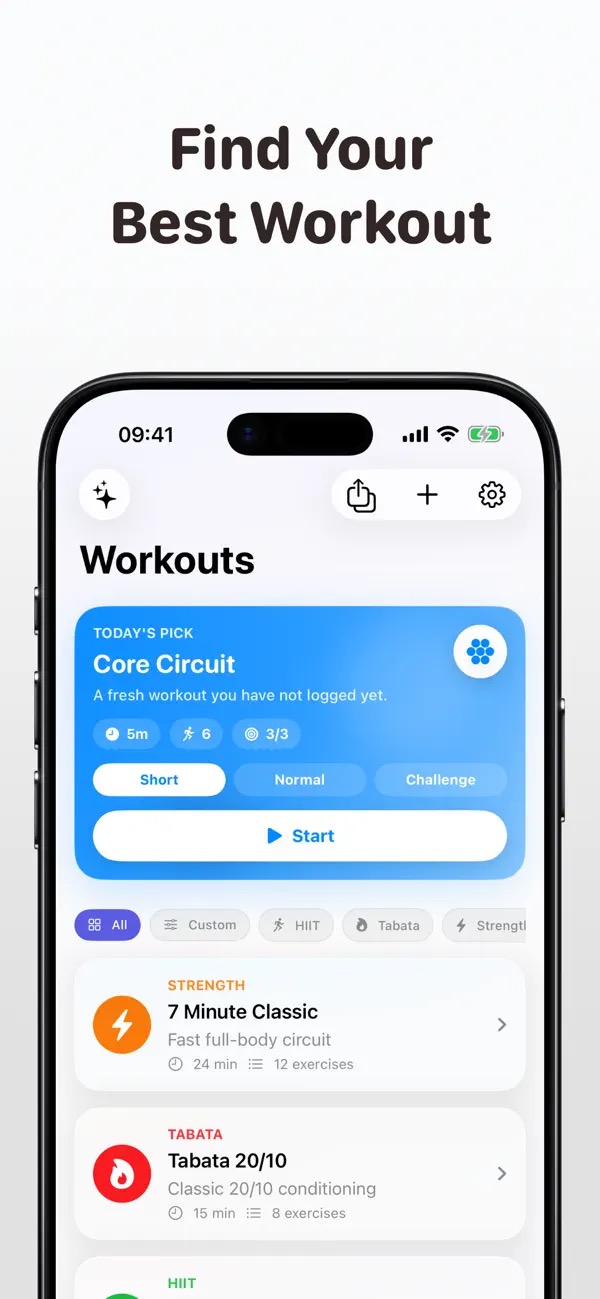
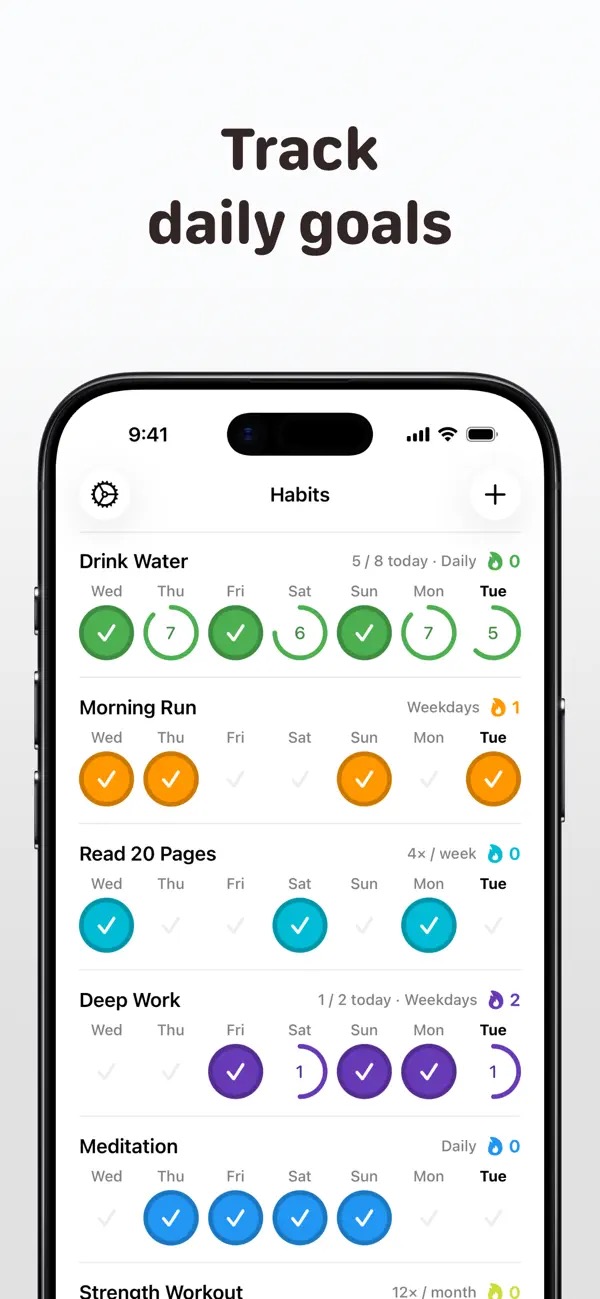
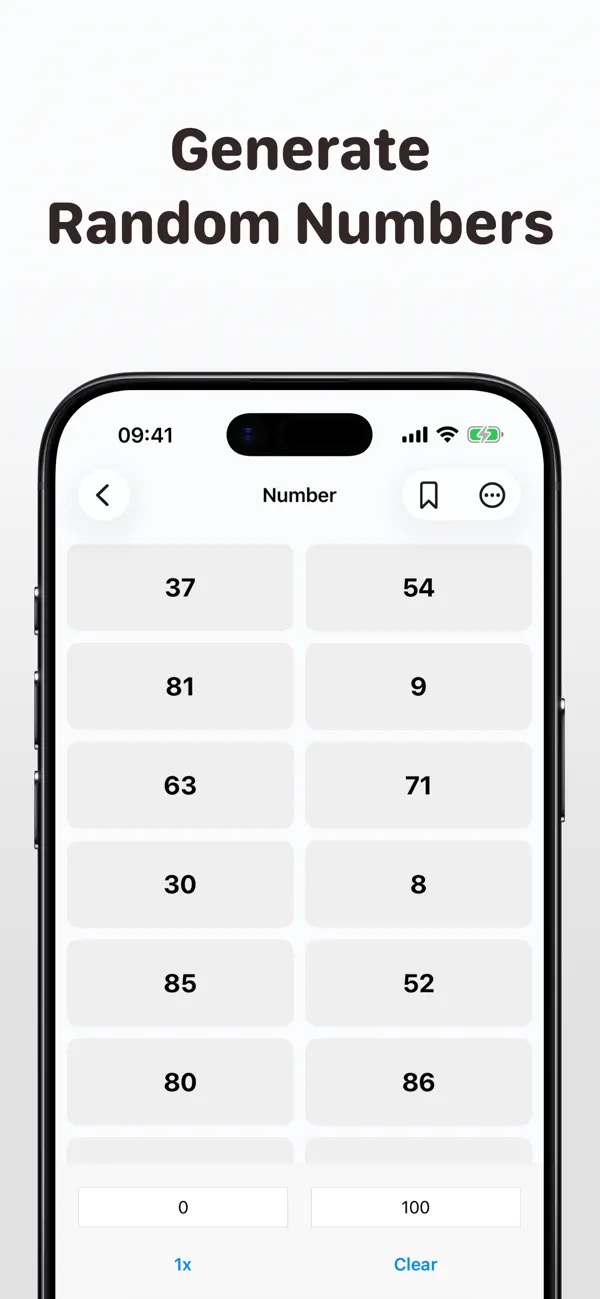
Official App Store screenshots
Why Tally
Large tap areas, sound, haptics, keyboard controls, and quick actions keep counting fast whether you are tracking reps, people, stock, or scores.
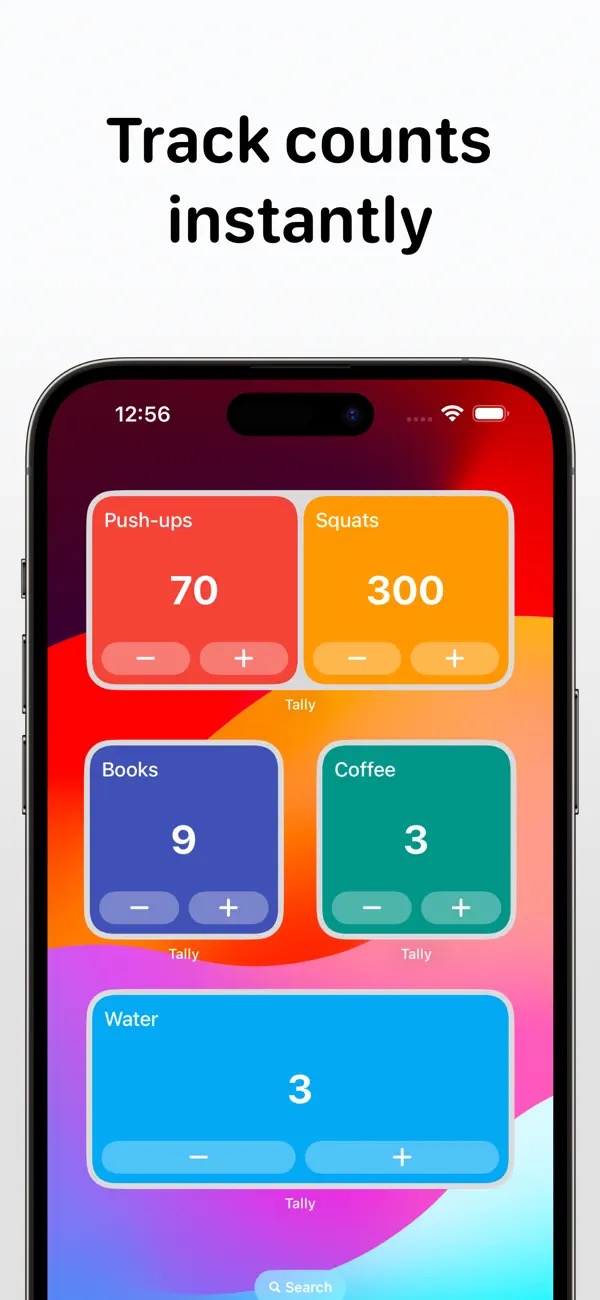
Use interactive Home Screen and Lock Screen widgets, Siri Shortcuts, and Apple Watch to update a count without breaking your flow.
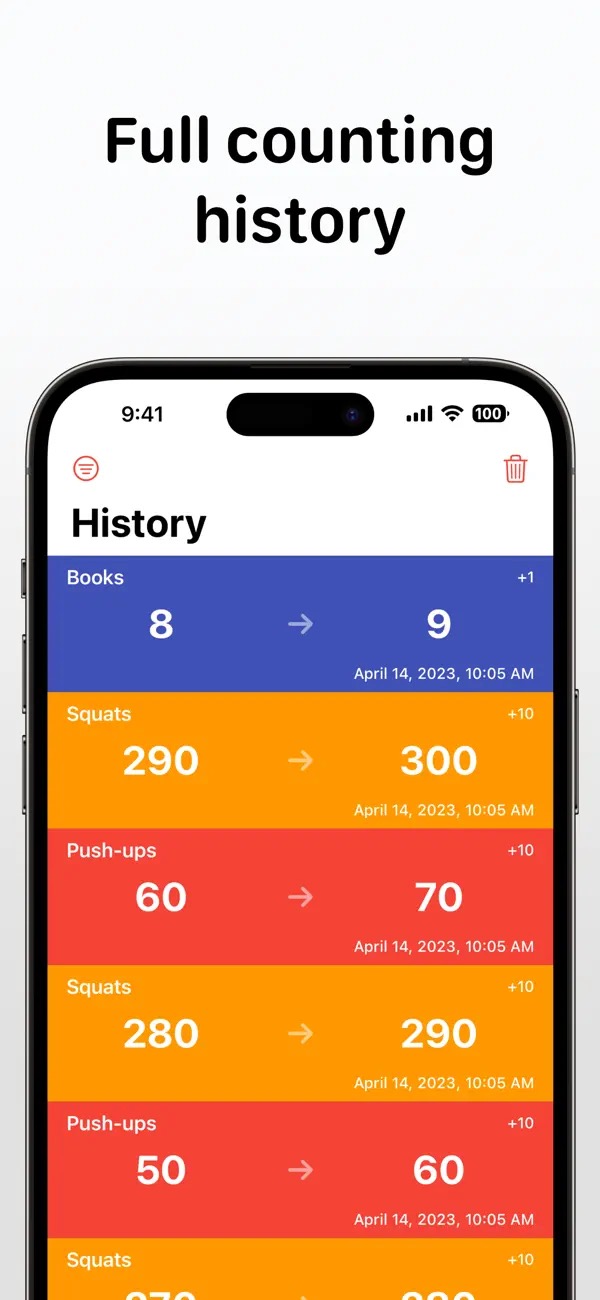
Add notes, inspect counting history, sync through iCloud, and export to CSV or Excel for deeper analysis.
What you can do
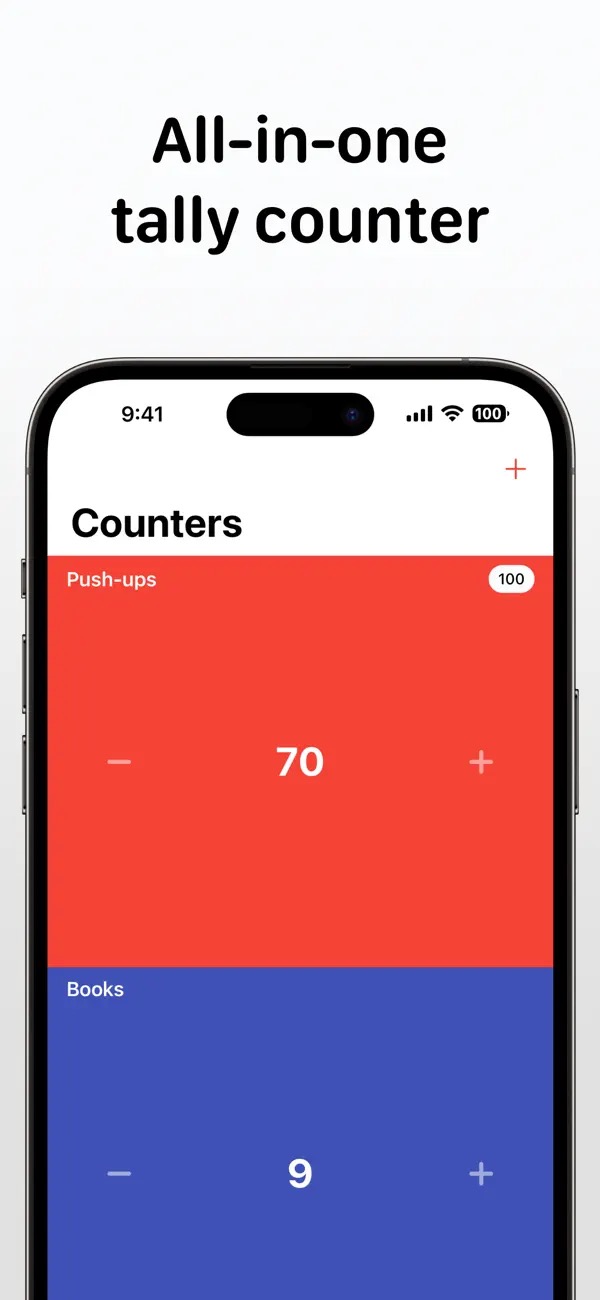
Create as many focused counters as you need, with colors, notes, sorting, and flexible reset behavior.
Use positive or negative values for games, matches, classroom points, and everyday scorekeeping.
Tap, use a widget, trigger a Shortcut, or count from your wrist, whichever is quickest in the moment.
Put live counters on the Home or Lock Screen and keep recurring totals close at hand.
★★★★★“Very useful to me. Simple uncluttered design. I really like how easy it is to transfer the data to my laptop spreadsheet.”
A handy little app · App Store review
Questions, answered
Anything repeatable: workouts, inventory, attendance, knitting rows, habits, scores, and more.
Learn more about tally counter app for iPhoneYes. The App Store catalog positions it for both counting and score tracking.
Learn more about tally counter app for iPhoneGuides for Tally
Available on the App Store
Count events, reps, inventory, scores, and more with multiple counters, interactive widgets, history, notes, Siri Shortcuts, and CSV or Excel export.
Keep exploring